
Communities and groups
Find your Ludo crew
Communities are groups of players who share a town, a workplace or a love of tournaments. Discover public groups, join in one tap, or start your own.
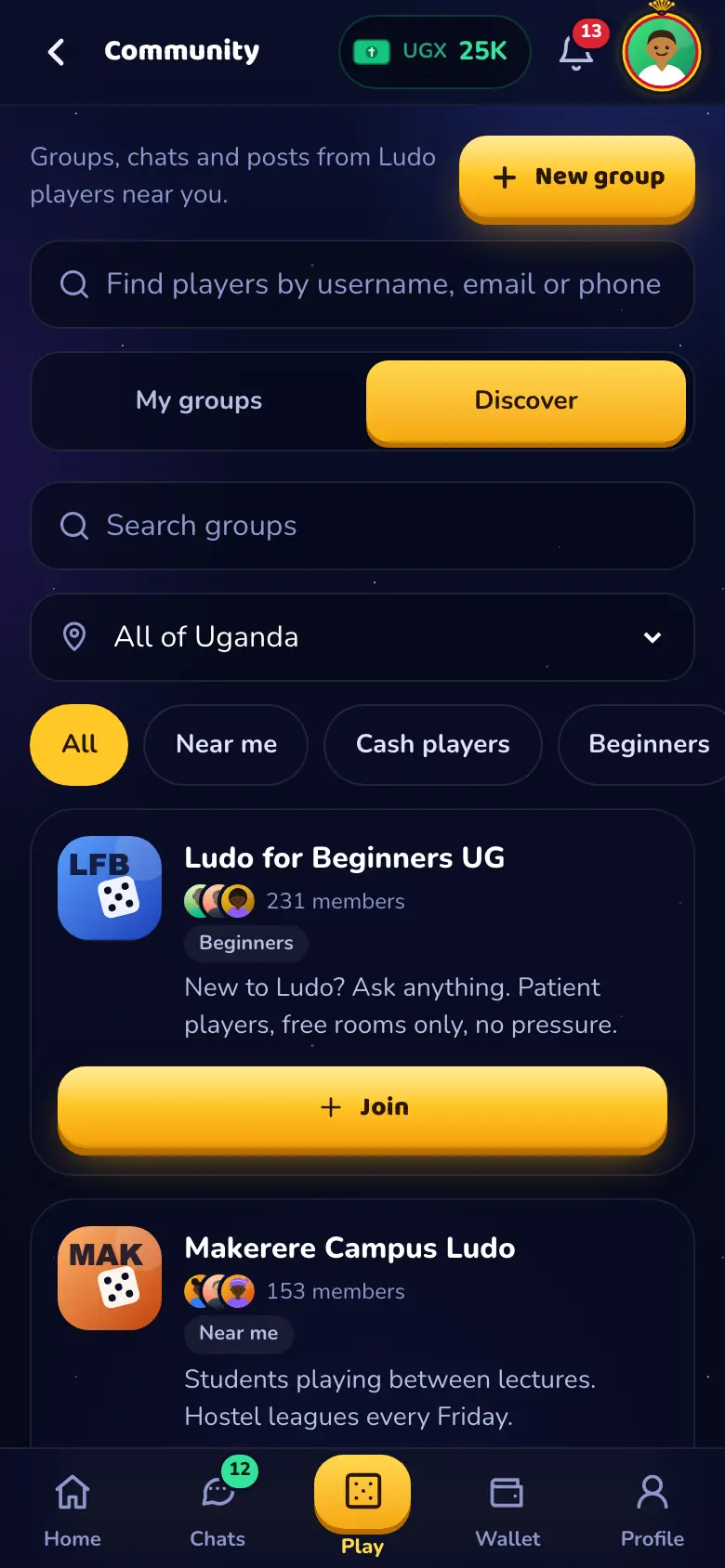
Discover and join
- Search groups by name, or browse by area and interest: local, beginners, tournaments and casual play.
- See the member count and a few members before you join.
- Public groups with open joining take you in at once. For others you send a request and a group admin approves it.
- Private groups stay hidden from search. You join them by invite or invite link.
Talk and play together
- Every group has its own chat plus a posts board with photos, likes, comments and pinned posts.
- Admins choose who may post, approve new members and share a rotating invite link or QR code.
- Invite your friends straight from the group, then meet them at a private table.
Safe by design
- Group owners and admins can remove or ban members and delete posts.
- Any member can report a post, a comment or a whole group. Our moderators review reports and can suspend a group.
- Phone numbers and emails are never shown to other members.
Questions and answers
How do I join a private group?
Ask a member for the invite link, or send a join request when the group allows it. A group admin approves requests.
Can I create my own group?
Yes. Open Community, tap New group, choose a name, photo, category and whether it is public or private.
What if someone breaks the rules in a group?
Use Report on the post, comment or group. Group admins can remove members, and our moderators can remove content or suspend the group.
More features
- Social feedThe Ludo Cash Arena Home feed: photo posts from players you follow, For You picks, community posts, likes, comments, hashtags and game highlights. Free, made in Uganda.Learn more
- ChatChat with Ludo friends in Uganda: private messages, group chats, voice notes, photos, polls, stickers and disappearing messages, with privacy controls and blocking.Learn more
- Tournaments and cash gamesFree Ludo tournaments every evening, plus optional 25+ cash matches, cash tournaments and House tables in UGX with MTN and Airtel Mobile Money. Fees shown before you play.Learn more